

How To Setup Call Forwarding From One Phone To Another Phone (2026)
From Trevor Nace · · 4 min
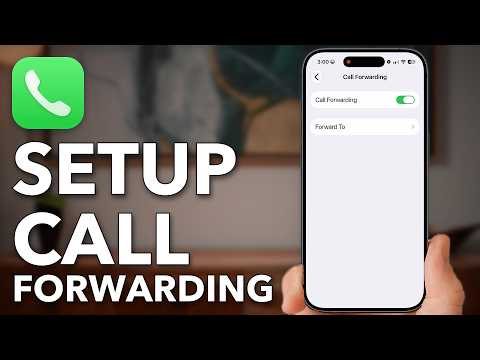
The player loads from YouTube only when you click. It uses YouTube's privacy-enhanced mode.
If the video does not play, the owner may have turned off embedding. Watch it on YouTube instead.
Description
Set up call forwarding to send calls from one phone to another phone number, from an iPhone to an Android phone or another iPhone.
Before forwarding to a new number, the video checks whether calls are already forwarded and clears old forwarding with carrier dial codes for every case, such as no answer, unreachable or busy.
Then Call Forwarding in the Phone settings sends calls to the new number, or your carrier, such as AT&T, forwards them before they reach the phone. Forwarding set in both places must be turned off in both.
Shown on an iPhone with iOS 27, and the dial codes work on Android too.
0:00 Set Up Call Forwarding 0:13 See If Calls Are Forwarded 0:33 Turn Off Old Forwarding 2:20 Forward To Your New Phone 3:06 Forward With Your Carrier
I hope this video helped you. If it did, the best way you can say thank you is to hit the like and subscribe button :)
My name is Trevor Nace, and I've been making tech tutorials for years, focusing on helping you solve your "how to" problems on iPhone, Android, iPad, Mac, and PC. So whether you're on a phone or computer and you run into an issue, I hope this video helped you.
If you're still having trouble, leave a comment below or go to my channel page and send me an email directly. I look forward to hearing from you!