

Never Forget A Password Again: iPhone Passwords Step-By-Step
From Trevor Nace · · 10 min
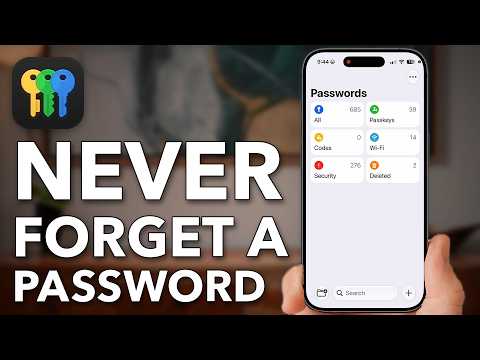
The player loads from YouTube only when you click. It uses YouTube's privacy-enhanced mode.
If the video does not play, the owner may have turned off embedding. Watch it on YouTube instead.
Description
Download the full PDF guide for this video (free): https://trevornace.com/never-forget-a-password-again-iphone-passwords-step-by-step/
Never forget a password again by setting up the free Passwords app that is already built into your iPhone.
This video sets up AutoFill and strong password suggestions, syncs your passwords to your iPad and Mac with iCloud Keychain, and turns on Face ID autofill and compromised password alerts so a data leak never goes unnoticed.
Then it shows how to find any saved password, recover a deleted one, find a generated password that never saved, keep PIN codes and other private details secure, fix reused passwords, and share passwords or your Wi-Fi with family. Shown on an iPhone running iOS 27.
0:00 Never Forget A Password 0:10 Use One Password Manager 1:21 Passwords On Every Device 2:02 Catch Leaked Passwords 2:51 Face ID Fills Passwords 3:21 Find Any Saved Password 4:33 Recover A Lost Password 5:43 Save More Than Passwords 6:51 Fix Risky Passwords 7:59 Share A Password Safely 9:17 Share Your Wi-Fi Password
MORE HELP iPhone 101 course (free waitlist): https://trevornace.com/ All my step-by-step guides: https://trevornace.com/blog/ Have an Android phone? Check out my Android channel: https://www.youtube.com/@trevorsandroid Subscribe: https://www.youtube.com/@TrevorNace?sub_confirmation=1 TikTok: https://www.tiktok.com/@trevornace1 Facebook: https://www.facebook.com/trevornace10/ Instagram: https://www.instagram.com/trevornaceyoutube
I hope this video helped. If you're still stuck, leave a comment below and I'll try to help.