

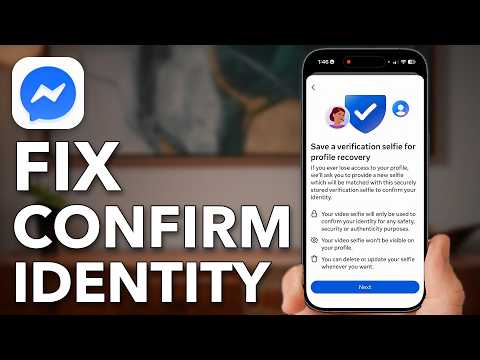
How To Fix Messenger Confirm Your Identity To Send Messages
From Trevor Nace · · 3 min
The player loads from YouTube only when you click. It uses YouTube's privacy-enhanced mode.
If the video does not play, the owner may have turned off embedding. Watch it on YouTube instead.
Description
Download the full PDF guide for this video (free): https://trevornace.com/how-to-fix-messenger-confirm-your-identity-to-send-messages/
Fix the Messenger error that says Confirm your identity to send messages, when certain actions have been restricted due to unusual activity.
Messenger is tied to your Facebook account, so the fix starts there: a current profile picture that clearly shows you, and a check in Help and Support that your account is in good standing with no community guideline issues.
Then you make your login safer with two-factor authentication and save a verification selfie ahead of time in Accounts Center, so Facebook already knows it is you. It works in the Facebook and Messenger apps on iPhone and Android.
0:00 Fix Messenger Confirm Identity 0:17 Prove The Profile Is You 1:23 Check Your Account Standing 2:16 Make Your Login Safer 2:54 Pre-Confirm Your Identity
MORE HELP iPhone 101 course (free waitlist): https://trevornace.com/ All my step-by-step guides: https://trevornace.com/blog/ Have an Android phone? Check out my Android channel: https://www.youtube.com/@trevorsandroid Subscribe: https://www.youtube.com/@TrevorNace?sub_confirmation=1 TikTok: https://www.tiktok.com/@trevornace1 Facebook: https://www.facebook.com/trevornace10/ Instagram: https://www.instagram.com/trevornaceyoutube
I hope this video helped. If you're still stuck, leave a comment below and I'll try to help.