

SketchUp 2027 is HERE and it's BIG! What changed?
From TheSketchUpEssentials · · 22 min
The player loads from YouTube only when you click. It uses YouTube's privacy-enhanced mode.
If the video does not play, the owner may have turned off embedding. Watch it on YouTube instead.
Description
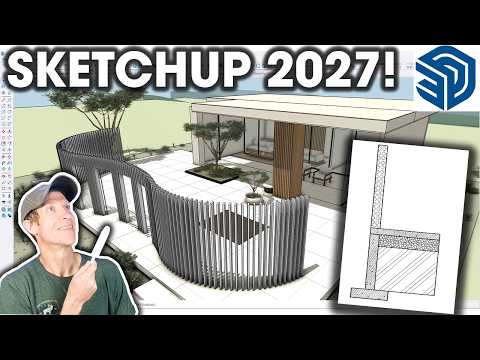
SketchUp 2027 is here! In this video, we explore the new procedural modeling tools, editable Follow Me and solid operations, section hatching, multiple model windows, and updates to LayOut. I also share my first impressions of AutoFit Live Components and which changes could make the biggest difference to your workflow.
SketchUp release notes: https://help.sketchup.com/en/release-notes
TIMESTAMPS 00:00 - Introduction 00:25 - Unified Windows and Mac interface 01:09 - New Colin Holgate scale figure 01:40 - Multiple model tabs and floating windows 04:12 - Scene previews 04:33 - Introducing procedural tools 05:08 - Procedural Copy Along 06:48 - Procedural solid tools and editable openings 08:14 - Procedural Follow Me 09:59 - Nesting procedural operations 11:08 - Section fill hatching 12:40 - Hatch settings and custom pattern imports 13:40 - AutoFit Live Components—and finding compatible components 15:10 - Sorting Outliner by tag 17:04 - LayOut image adjustments and viewport opacity 17:59 - LayOut paperless Draw Mode 19:10 - Hidden Line Rendering performance improvements 19:49 - Intel Mac support changes 20:10 - CAD import/export, touchpad, and geolocation updates 21:05 - Final thoughts on SketchUp 2027