

The BEST Tool for Doors and Windows in SketchUp? - SketchUp Architecture Extensions #3 - Flex Tools!
From TheSketchUpEssentials · · 16 min
The player loads from YouTube only when you click. It uses YouTube's privacy-enhanced mode.
If the video does not play, the owner may have turned off embedding. Watch it on YouTube instead.
Description
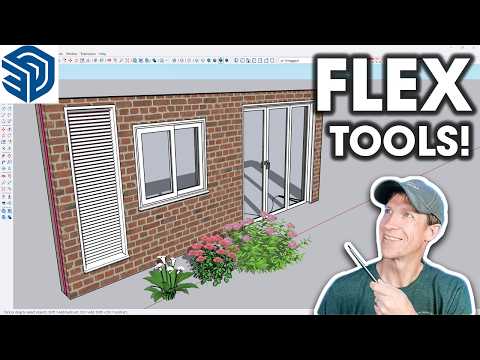
In this video, we check out an extension that makes adding doors, windows, and openings to your models significantly easier in SketchUp - Flex Tools!
GET MY ARCHITECTURE EXTENSIONS GUIDE HERE https://www.thesketchupessentials.com/ArchitectureExtensions
FLEX TOOLS LINK https://www.thesketchupessentials.com/FlexTools *Note this link is an affiliate link, meaning I receive a commission if you purchase through the link. I was not paid to create this video. I did receive a free version of the extension from the developer to try out
LEARN SKETCHUP WITH ME! THE SKETCHUP ESSENTIALS COURSE http://www.thesketchupessentials.com/course
TIMESTAMPS 0:00 - Introduction 0:11 - Where to find the Extension Guide 0:35 - Where to find Flex Tools 1:10 - Adding Doors with Flex Tools 2:10 - Editing door options 2:51 - Cutting openings with Flex Tools Objects 3:50 - Adding door casings 4:56 - Interacting with door components 6:30 - Adding windows with Flex Tools 7:20 - Adding mullions / muntins to windows 8:11 - Using the Flex Louver and the Flex Panel 9:22 - Adding fences with Flex Tools 10:13 - Quick stairs with Flex Stairs 11:45 - Adding Ramps 12:30 - Cutting holes in multiple objects with Hole Cutter 15:05 - Manage your libraries with Component Finder