

20 Days of Procreate Play | Day 7: Use Texture to Add Depth & Style in Procreate
From Skillshare · · 10 min
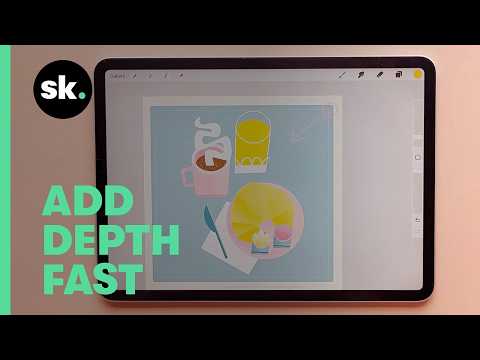
The player loads from YouTube only when you click. It uses YouTube's privacy-enhanced mode.
If the video does not play, the owner may have turned off embedding. Watch it on YouTube instead.
Description
Texture is where style starts ✨ In Day 7 of 20 Days of Procreate Play, Claire Makes Things breaks down how grain, noise, and texture brushes can instantly make your digital illustrations feel sharper, deeper, and more tactile, without overworking your art.
You’ll explore:
Why grain makes digital art feel more “real”
When to use Alpha Lock vs. Clipping Masks
How noise creates depth without changing resolution
Using texture to guide light, shadow, and focus
Blending textures for a subtle retro feel
This lesson is perfect if your work feels too smooth or too flat and you want to start developing a more recognizable style.
👉 Watch the full class Dive deeper in Finding Your Style with Textures in Procreate on Skillshare: https://skl.sh/4qvk9gQ
✏️ Explore Skillshare Live Sessions → https://youtube.com/playlist?list=PLtqQYNGG0ZFeALwrYz1h9OhePt7_bJRzy&si=gpxadUpKq2Yv34Uv
📩 Subscribe for daily art exercises & creative practice tips.
-------------------------------------------------------------------------
Chapter Guide
00:00 Why grain makes art feel sharper 00:33 Texture + printing (why it matters) 01:43 Ways to add noise in Procreate 02:19 Alpha Lock vs. Clipping Masks 03:22 Sharper edges with selections 04:23 Placing shadows with intention 05:25 Layering noise for depth 06:14 Multiply mode for richer texture 08:05 Managing brushes with Recents & Pin 09:07 Adding contrast with texture
#ProcreatePlay #ProcreateTextures #DigitalIllustration #TextureInProcreate #IllustrationStyle #GrainAndNoise #SkillshareChallenge #DigitalArtTips