

ROTO-CONTROL // Motorized Control & Haptic Feedback for Logic Pro! (Deep Dive & Review)
From MusicTechHelpGuy · · 29 min
The player loads from YouTube only when you click. It uses YouTube's privacy-enhanced mode.
If the video does not play, the owner may have turned off embedding. Watch it on YouTube instead.
Description
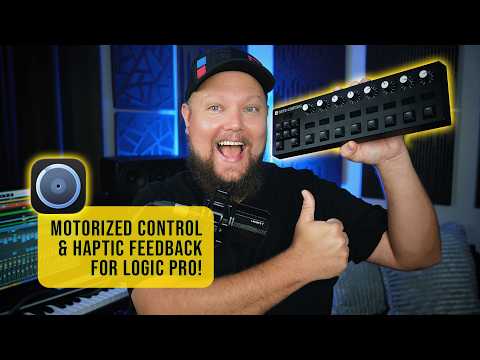
In this video, I'll give you deep dive overview of Roto-Control from Melbourne Instruments, including how to set it up as a control surface for Logic Pro. I'll demonstrate mixer and channel strip control, plugin control, using it with Smart Controls, and how to use it as a MIDI controller.
Explore Music Production Courses ➜ http://logicproguide.com Need Mixing or Mastering? – Work with Me ➜ http://carneymediagroup.com Follow Me on Instagram ➜ http://instagram.com/musictechhelpguy Support the Channel – Patreon ➜ http://patreon.com/musictechhelpguy
Roto-Control ➜ https://www.melbourneinstruments.com/rotocontrol
Chapters: 0:00 Roto-Control 2:53 Setup 4:07 Mixer Control 9:26 Buttons & Transport 10:39 Smart Controls 12:43 Plugin Control 15:27 Plugin Mapping 20:38 MIDI Control 24:24 Review 27:28 Wrap-Up
#MusicTechHelpGuy #Melbourne #LogicPro #MelbourneInstruments #LogicProX #RotoControl #DAWcontroller #HomeStudio #MusicProduction #musicproducer #MixingEngineer #MIDIController #StudioGear #MusicTech #ControlSurface #Mixer #homerecording #StudioSetup #DAW #midi #MixingTips #LogicProTutorial #MusicProductionTips #Workflow #MIDIMapping #SmartControls #AudioEngineering #ProducerLife #LogicPro12 #LogicPro11 #tutorial