

How to Run AI Agents at the Industrial Edge
From Microsoft Developer · · 3 min
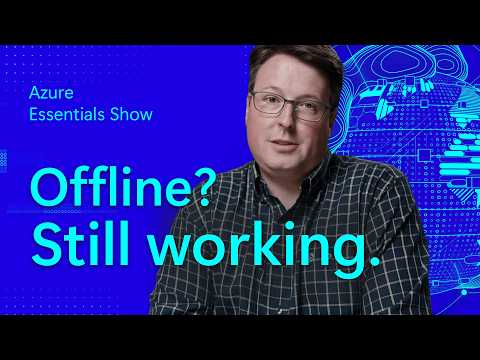
The player loads from YouTube only when you click. It uses YouTube's privacy-enhanced mode.
If the video does not play, the owner may have turned off embedding. Watch it on YouTube instead.
Description
Physical AI connects real equipment to AI agents through a hybrid architecture. Cloud-connected devices link directly to Azure IoT Hub, while on-site devices run through Azure IoT Operations on Kubernetes at the edge, with Foundry Local running AI workloads on premises. Data from both paths lands in Microsoft Fabric, and Azure Resource Manager manages it all.
Jason Farmer, Product Manager on Microsoft's digital operations team, walks through the architecture and the reason it exists: virtual coworkers. An OT virtual coworker runs on site and keeps working even when the cloud connection drops, while an enterprise virtual coworker in Microsoft Foundry or Fabric reaches frontline and information workers through Teams and Dynamics.
Resources - Demo: Making industrial AI practical for real-world operations with adaptive cloud https://aka.ms/demo-industrialai - Explore more Essential resources! https://azure.com/AzureEssentials
Connect - Jason Farmer https://www.linkedin.com/in/jason-farmer-9492b44/
Chapters 0:00 What physical AI needs at the edge 0:40 How cloud and on-site devices connect to Azure 1:25 How physical AI data flows into Microsoft Fabric 1:55 What virtual coworkers do for frontline teams 2:20 How an OT virtual coworker keeps working offline 3:05 Where to see physical AI in action