

QD-OLED Monitors: The Best PC Upgrade - But Which Is Best For You? [Sponsored]
From Digital Foundry · · 13 min
The player loads from YouTube only when you click. It uses YouTube's privacy-enhanced mode.
If the video does not play, the owner may have turned off embedding. Watch it on YouTube instead.
Description
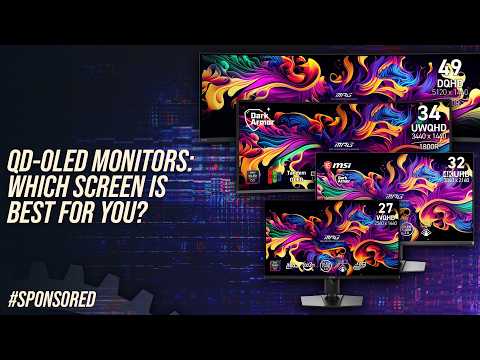
Video sponsored by MSI. In a world where next-gen PC component upgrades have failed to materialise and where existing products grow evermore expensive, QD-OLED displays continue to deliver. The evolution of QD-OLED monitors across the generations has seen a huge improvement in quality and features, along with a wealth in diversity in form factor. Not only that, but value is increasing with each new product generation - so, what are the major choices available, what are the key features and which screens fit the best gaming scenarios?
Learn more about MSI's QD-OLED range: MPG 341CQR QD-OLED X36: https://msi.gm/SC107E5A MPG 271QR QD-OLED X50: https://msi.gm/SB95153C MPG 491CQP QD-OLED: https://msi.gm/S6A9D0B4
00:00 Why Upgrade to QD-OLED? 01:08 OLED Strengths & Considerations 03:43 Overview: 3 Monitor Categories 05:16 Ultrawide Immersion: MSI MPG 491CQP QD-OLED (49" 144Hz) 06:53 Esports Speed: MSI MPG 271QR QD-OLED X50 (27" 1440p 500Hz) 08:21 The 4K All-Rounder: MSI MPG 322UR QD-OLED X24 (32" 4K 240Hz) 09:59 Ultrawide All-Rounder: MSI MPG 341CQR QD-OLED X36 (34" 360Hz) 11:37 Buying Advice, Firmware & Features 12:35 Conclusion & Wrap-Up