

The Procreate Feature That Will Change How You Color (Reference Layer Explained)
From Art with Flo · · 1 min
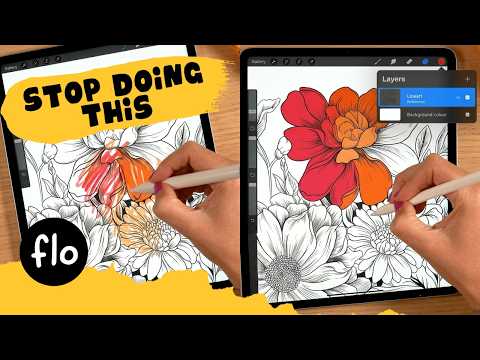
The player loads from YouTube only when you click. It uses YouTube's privacy-enhanced mode.
If the video does not play, the owner may have turned off embedding. Watch it on YouTube instead.
Description
If you have been coloring inside your line art manually, this video is going to save you a lot of time. The Procreate Reference Layer lets you fill your shapes instantly using your line art as a guide, but all the color lands on a clean separate layer underneath, so your lines stay completely untouched.
Here is how it works: 1. Draw your line art and make sure all your shapes are closed 2. Tap your line art layer and select Reference 3. Create a new layer underneath your line art 4. Drag your color into the shape, it fills instantly, guided by your line art, but placed safely on the new layer
And here is the golden rule that saves you from a big headache: turn Reference off when you are done coloring. If you leave it on, Procreate will keep using that layer as a guide for any color drops you do later, even on completely different layers, which causes weird fills and leaks.
⭐ Want more? I have 250+ step-by-step Procreate tutorials on Patreon for all skill levels: https://www.patreon.com/artwithflo
🖌️ Free brush pack: Get my free Treasure Chest brush pack at freefromflo.com
📌 Find me here: Instagram: https://www.instagram.com/floortjesart Website: https://www.artwithflo.com
#procreate #procreatetips #procreatetutorial #digitalart #artwithflo